SensorDash 2 · for iOS 27
Here’s what your iPhone can sense.
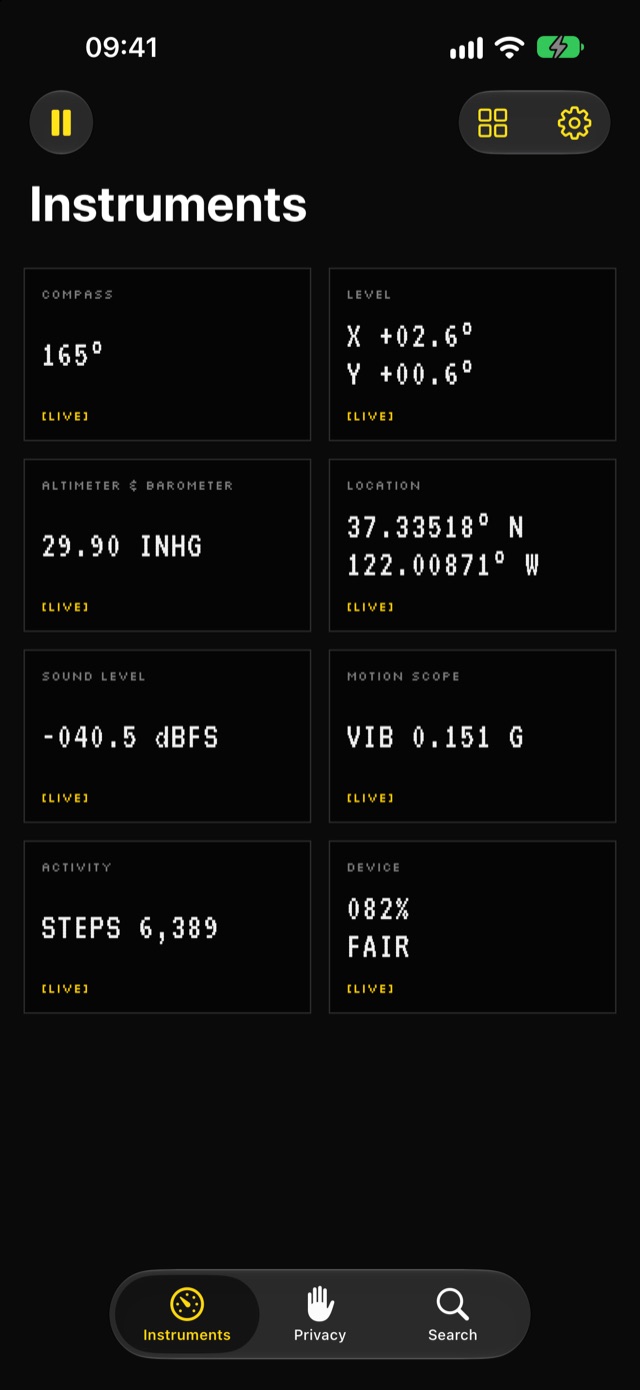
Eight live instruments built from your iPhone’s sensors, and a plain account of what each sensor lets an app learn about you. Readings stay in memory on your iPhone. Nothing is saved or sent.
- Free
- No account
- No analytics
- No prompts at launch
- 8Instruments
- 43Signals explained
- 0Readings stored
- $0Nothing to buy
Tools you can use, drawn like instruments.
Each instrument reads its sensors only while it is on screen, and says so with a live tag.
-
Compass
HDG 274°
TRUE [Live]Magnetic or true heading, its accuracy, and course while moving.
-
Level
X +00.4°
Y -01.2° [Live]A bubble level for surfaces and an inclinometer for edges, with a haptic tick.
-
Altimeter & Barometer
29.93 INHG
RISING [Live]Air pressure, its 3-hour trend, and relative altitude from a baseline you set.
-
Location
Allow
location [Needs permission]Coordinates, accuracy, speed, course, and GPS altitude. No map, because maps load from a server.
-
Sound Level
-032.5
dBFS [Live]The microphone’s input level, with a 60-second trace. Nothing is recorded.
-
Motion Scope
VIB
0.012 G [Live]Accelerometer, gyroscope, and magnetometer as live three-axis traces.
-
Activity
STEPS
8,412 [Live]Steps, distance, floors, pace, and cadence since midnight.
-
Device
087%
NOMINAL [Live]Battery, thermal state as a category (never a made-up temperature), storage, and display.
Every instrument says what it can reveal.
Under each instrument is a What Apps Can Learn panel: what the signal is, what another app with the same access could work out from it, and which permission protects it.
Permission only when you ask
No prompt at launch. SensorDash asks for location, the microphone, or Motion & Fitness only when you tap that instrument’s Allow button.
Readings that don’t overclaim
Sound is dBFS, not decibels. Thermal state is a category, not a temperature. Accuracy is shown with every fix.
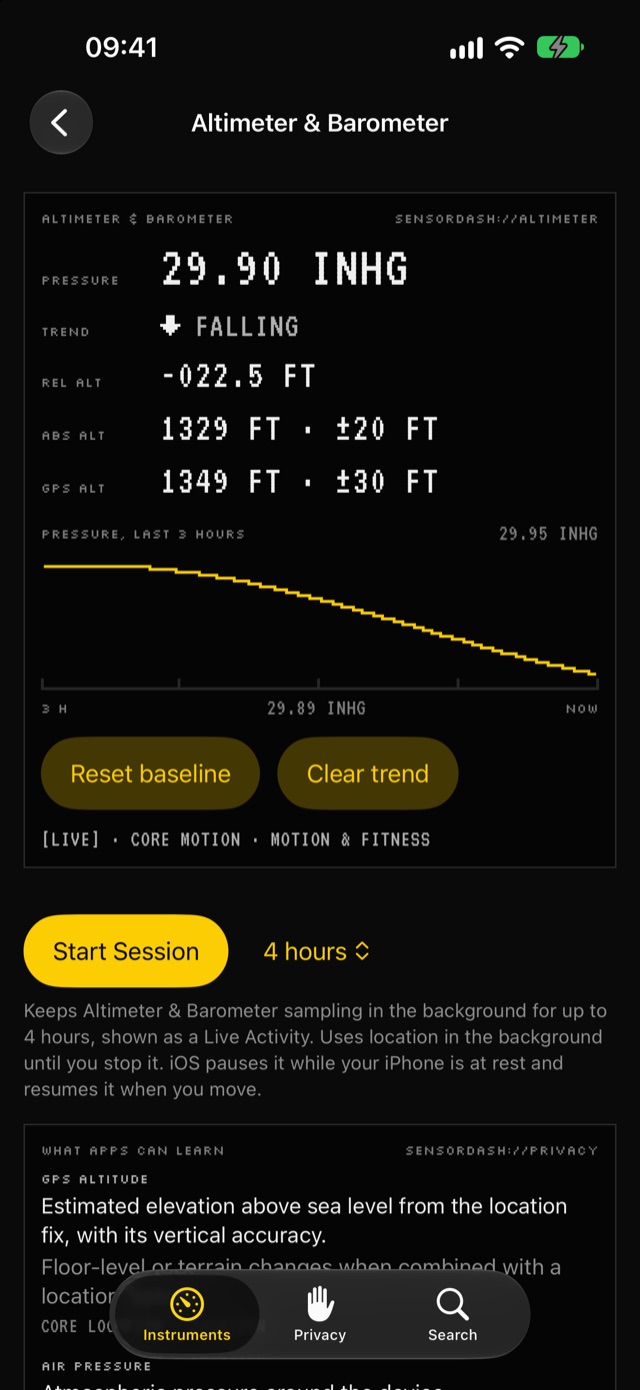
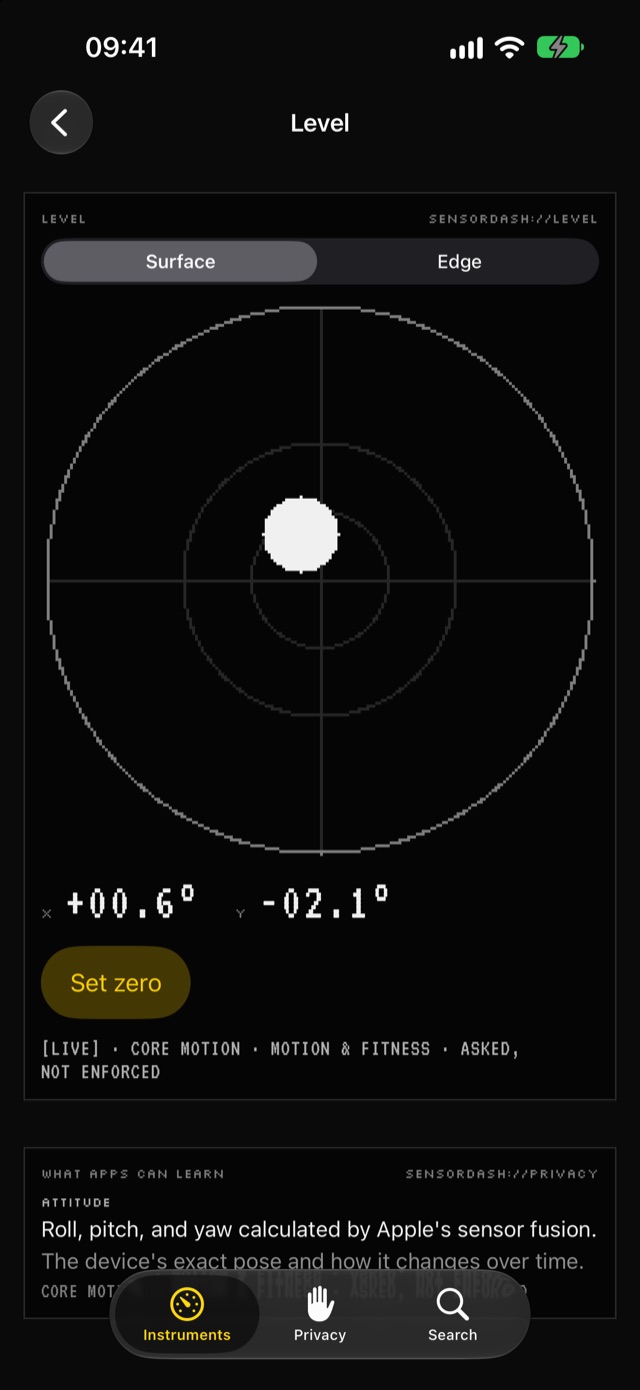
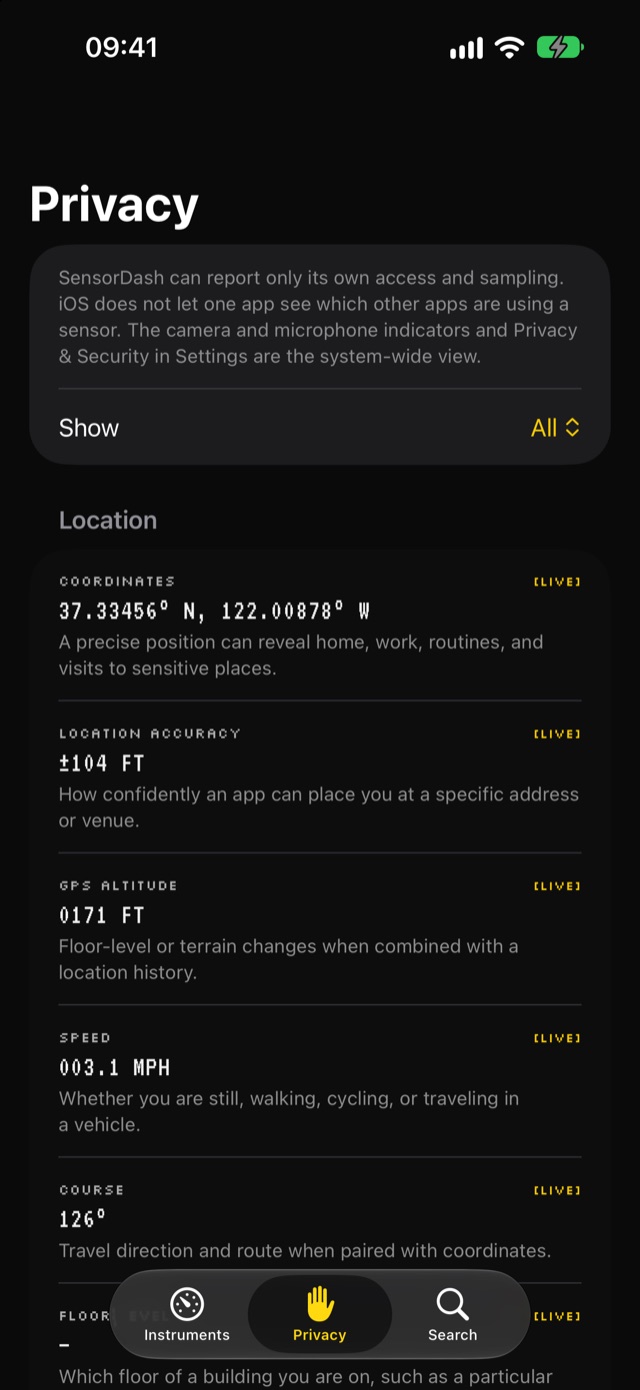
Every signal an iPhone exposes, and the ones it doesn’t.
43 signals, grouped into location, motion, environment, activity, and device state, each with its current value and what it can reveal.
Allowed is not the same as live
Access (ready, needs permission, denied) is shown apart from activity (live, paused, off), so permission never reads as collection.
The limits, stated plainly
Cameras, TrueDepth, and LiDAR are never opened. Ambient light, component temperatures, and humidity have no public API, and the Privacy tab says so.
SensorDash can show what SensorDash is reading.
iOS does not let one app see which other apps are using a sensor. The camera and microphone indicators and Privacy & Security in Settings are the system-wide view.
So SensorDash says so. It reports its own access and its own sampling, and never implies more.
Keep reading after you lock your iPhone.
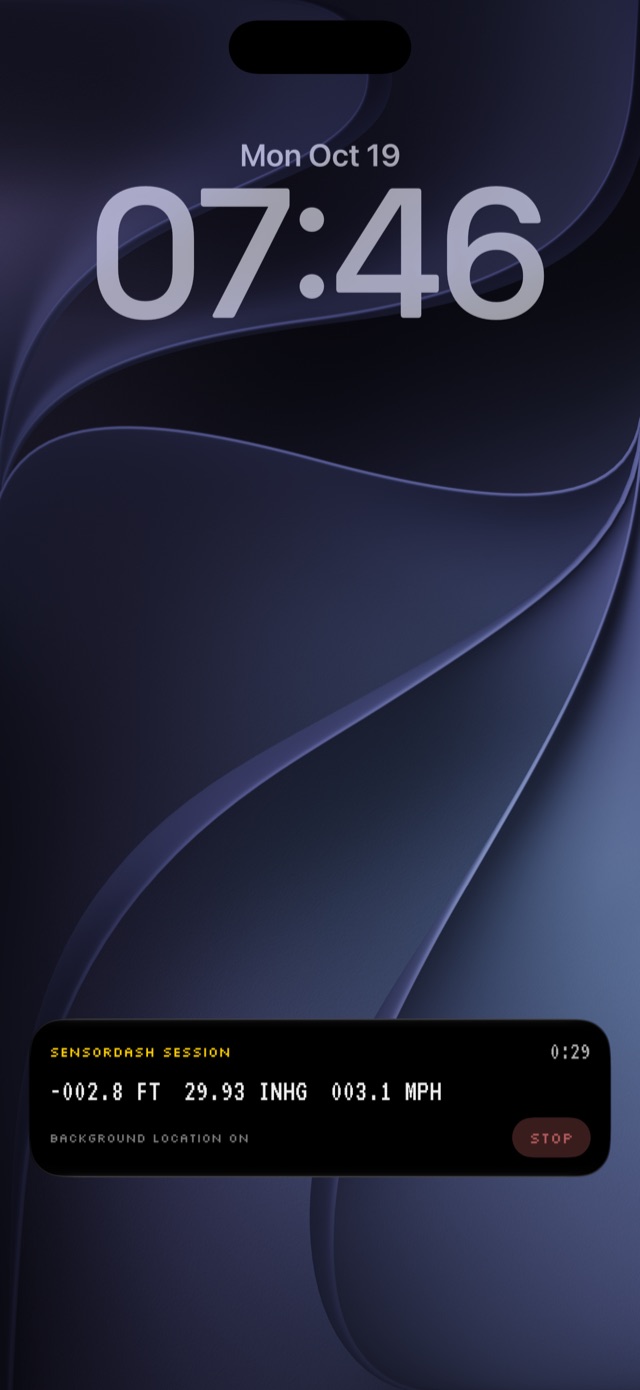
A Session keeps the Altimeter, Compass, or Location reading in the background for up to 8 hours, shown as a Live Activity on the Lock Screen and in the Dynamic Island the whole time. iOS pauses it while your iPhone is at rest, and it picks up again when you move.
Only while you say so
Background location runs only during a Session you started, and stops the moment it ends.
Widgets that show their age
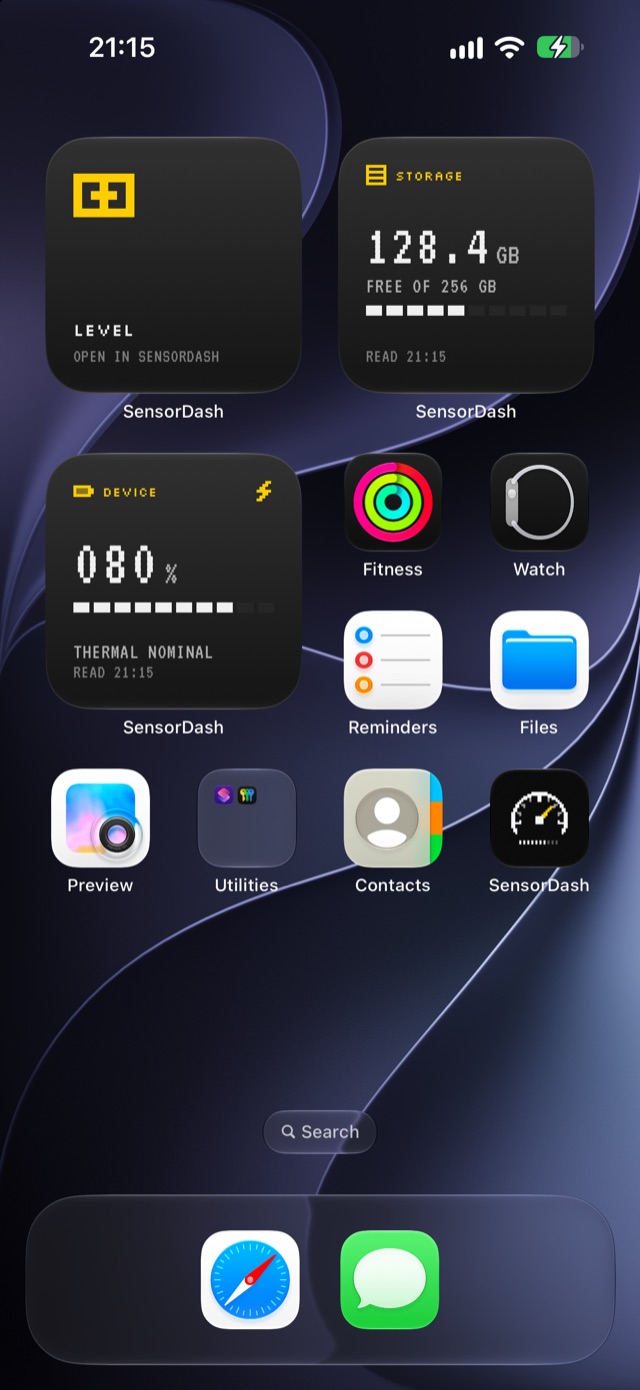
Device Status, Storage, and Instrument Shortcut widgets, each with the time it read its values. Controls open an instrument or stop a Session.
Your readings are the demonstration, not the product.
- Nothing to buy
Free, all of it
Every instrument, the Privacy tab, Search, Sessions, widgets, and Controls. No purchases, subscription, or ads.
- Nothing saved
Memory only
Readings and short trends are gone when SensorDash quits. There is no sensor database and no export.
- Nothing sent
Data Not Collected
No account, analytics, advertising, or networking code. That is the App Store privacy label, too.
See what your iPhone can sense.
SensorDash is free on the App Store for iPhone.